

How to Get Paid on Upwork with Accrue USD Bank Account
The gig economy is booming across Nigeria and Africa, with more freelancers offering services to clients worldwide through platforms like Upwork. From developers and designers to writers and virtual assistants, freelancers are tapping into Upwork like never before.
However, one persistent challenge remains: how to receive payments efficiently, quickly, and at the best possible rates in Nigeria.
With millions of Nigerians working remotely, choosing the right payment method can significantly impact your earnings. High conversion fees, long withdrawal timelines, and hidden charges can eat into your income.
Accrue offers freelancers a faster, more transparent way to receive USD payments using US bank details.
Here’s everything you need to know about how to get paid on Upwork with a US bank account seamlessly in 2026.
Different Ways to Receive Money from Upwork
Upwork provides several withdrawal options. Each has its pros and cons:
1. Direct to Local Bank (NGN)
Upwork converts your earnings to Naira (NGN) and sends them directly to your Nigerian bank account.
Pros:
- Simple setup
- No third-party app required
Cons:
- Unfavourable exchange rates
- Processing can take up to 5 business days
- Less control over conversion timing
2. Payoneer
These are popular among freelancers globally.
Pros:
- Widely accepted
- Easy to set up
Cons:
- Multiple layers of fees
- Higher withdrawal charges to local banks
- Slower transfer times in some cases
3. Wire Transfers
Suitable for large payments.
Pros:
- Reliable for high-value transactions
Cons:
- Expensive banking fees
- Longer processing times
- Not ideal for frequent withdrawals
4. Direct to US Bank (Recommended)
This is one of the most efficient ways to withdraw earnings from Upwork, especially when paired with a USD account solution like Accrue.
Why it’s better:
- Receive funds in USD
- Avoid poor automatic conversion rates
- Greater control over when and how you convert to Naira
Read about how to make your first $100 as a freelancer
How to Use Accrue to Receive Upwork Payments in Nigeria
Accrue provides international (US) bank details that allow you to receive payments like a US-based freelancer, even while living in Nigeria.
Step 1: Create Your Account
- Download the Accrue app or visit the website
- Sign up with your details
- Complete identity verification
- Accept partner terms
Step 2: Get Your US Bank Details
Once verified, you’ll receive:
- US dollar bank account number
- Routing number
- Bank details required for USD transfers
You can now receive USD payments directly.
How to Link Your Accrue Account to Upwork
Connecting Accrue to Upwork takes just a few minutes:
- Log in to your Upwork account
- Go to Settings
- Click on Withdrawals
- Select Direct to US Bank
- Enter your Accrue dollar bank details
- Choose Individual Checking as the account type
- Confirm and save
Once approved, you can start withdrawing funds directly to your Accrue USD account.
Benefits of Using Accrue for Upwork Payments
Accrue is designed specifically for freelancers and remote workers who need global payment flexibility.
Lower Fees & Better Exchange Rates
Avoid excessive conversion charges and transfer fees. Convert to Naira only when rates are favourable.
Faster Transactions
Receive payments quicker than traditional bank routes.
USD Wallet
Hold your earnings in USD and manage currency risk effectively.
Transparency
Clear transaction tracking with no hidden charges.
Built for African Freelancers
Designed to meet the needs of remote workers earning globally while living locally.
Get Started with Accrue Today
If you’re serious about freelancing on Upwork and maximising your earnings, setting up a US bank account option is one of the smartest financial moves you can make.
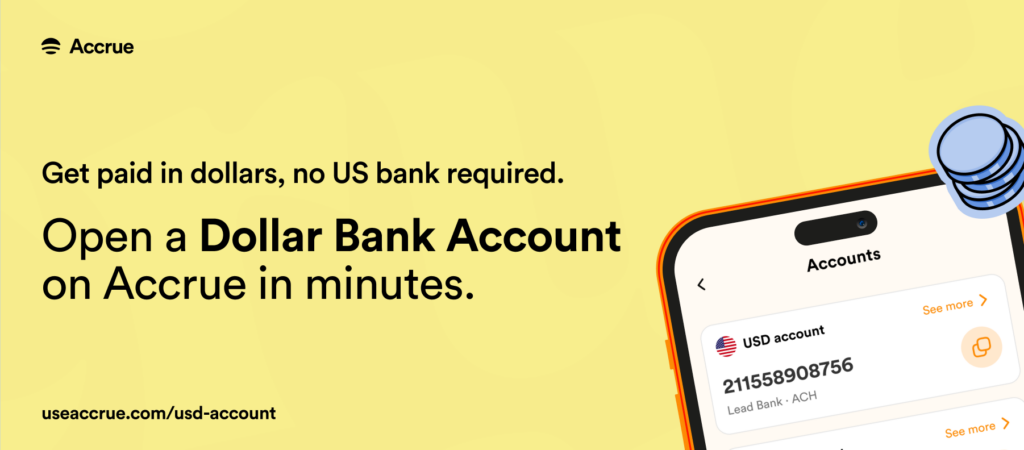
Sign up for a free Accrue account today and join thousands of Nigerian freelancers receiving their Upwork payments seamlessly in 2026.