
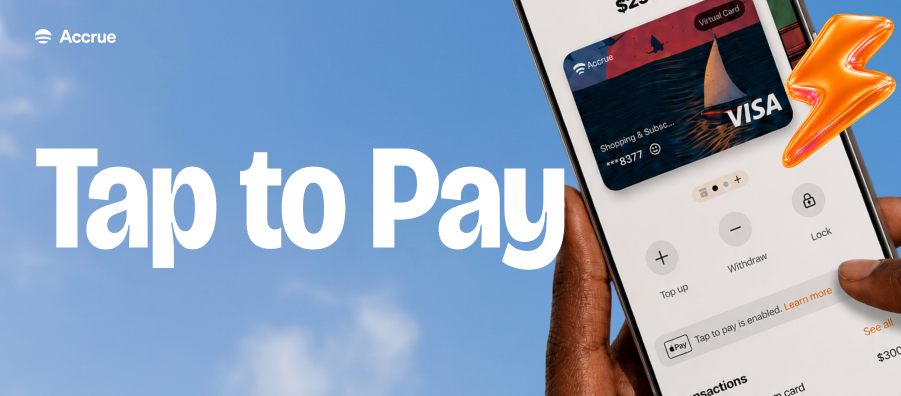
Imagine paying for your shopping without reaching for cash, buying lunch with a quick tap, or checking into a hotel while travelling, all with the same Accrue Virtual Dollar Card already in your account.
That's the convenience of the Accrue Contactless Virtual Dollar Card. Once you've added your card to Google Pay, you can make fast, secure payments anywhere contactless payments are accepted, using just your Android phone.
Ready to start tapping? Follow the steps below to add your Accrue Contactless Virtual Dollar Card to Google Pay.
Step 1: Sign In to Your Google Account
Ensure you're signed in to the Google account you'll use with Google Wallet on your Android device.
Step 2: Open the Payment Methods Page
Navigate to the Payment Methods section in your Google account or open the Google Wallet app on your Android device.
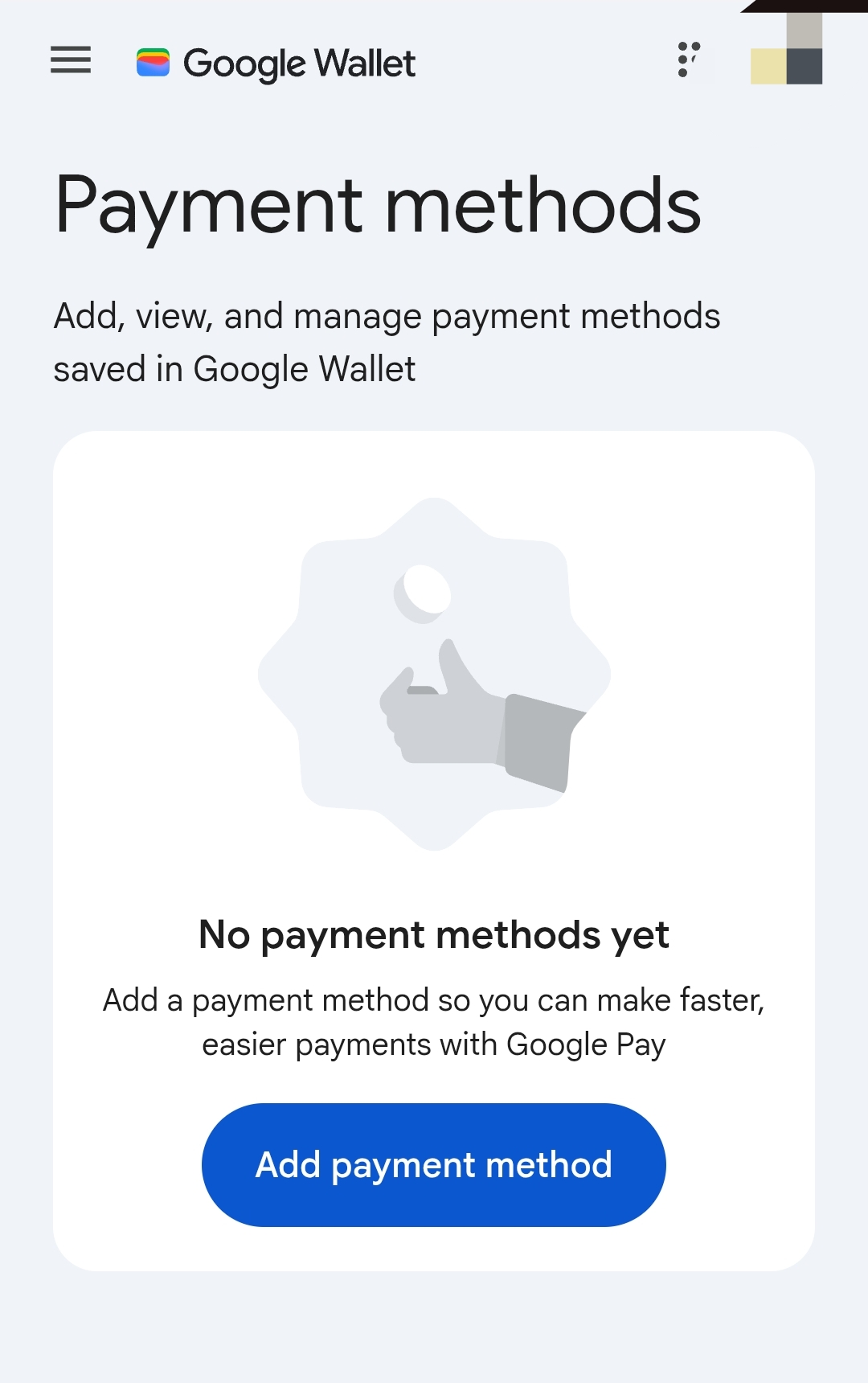
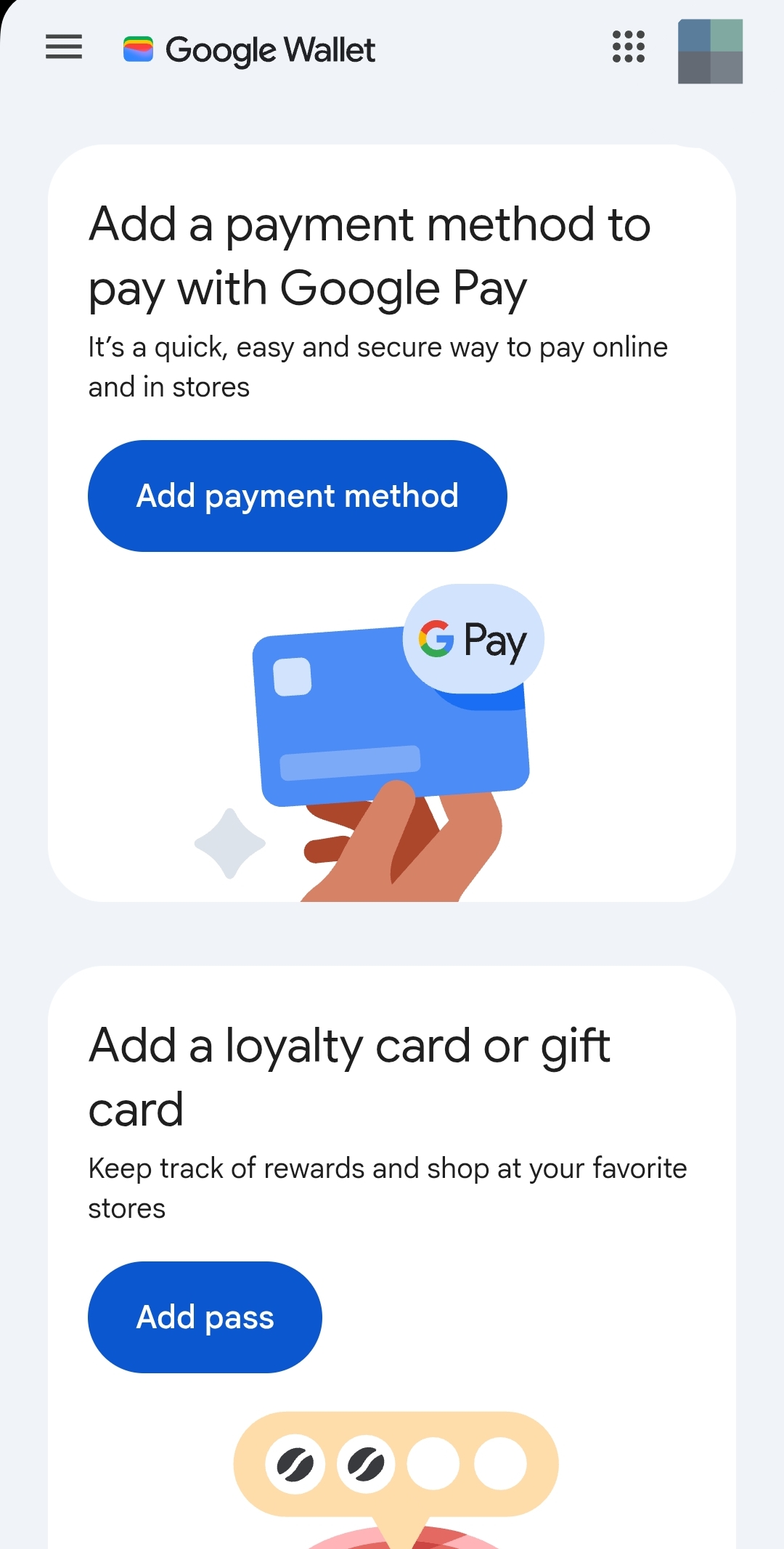
Step 3: Add a New Payment Method
Tap or click Add a Payment Method to add a new card.
Step 4: Enter Your Accrue Virtual Card Details
Enter your Accrue Contactless Virtual Dollar Card details, including:
- Card number
- Expiry date
- CVV
- Billing address associated with your Accrue Virtual Card
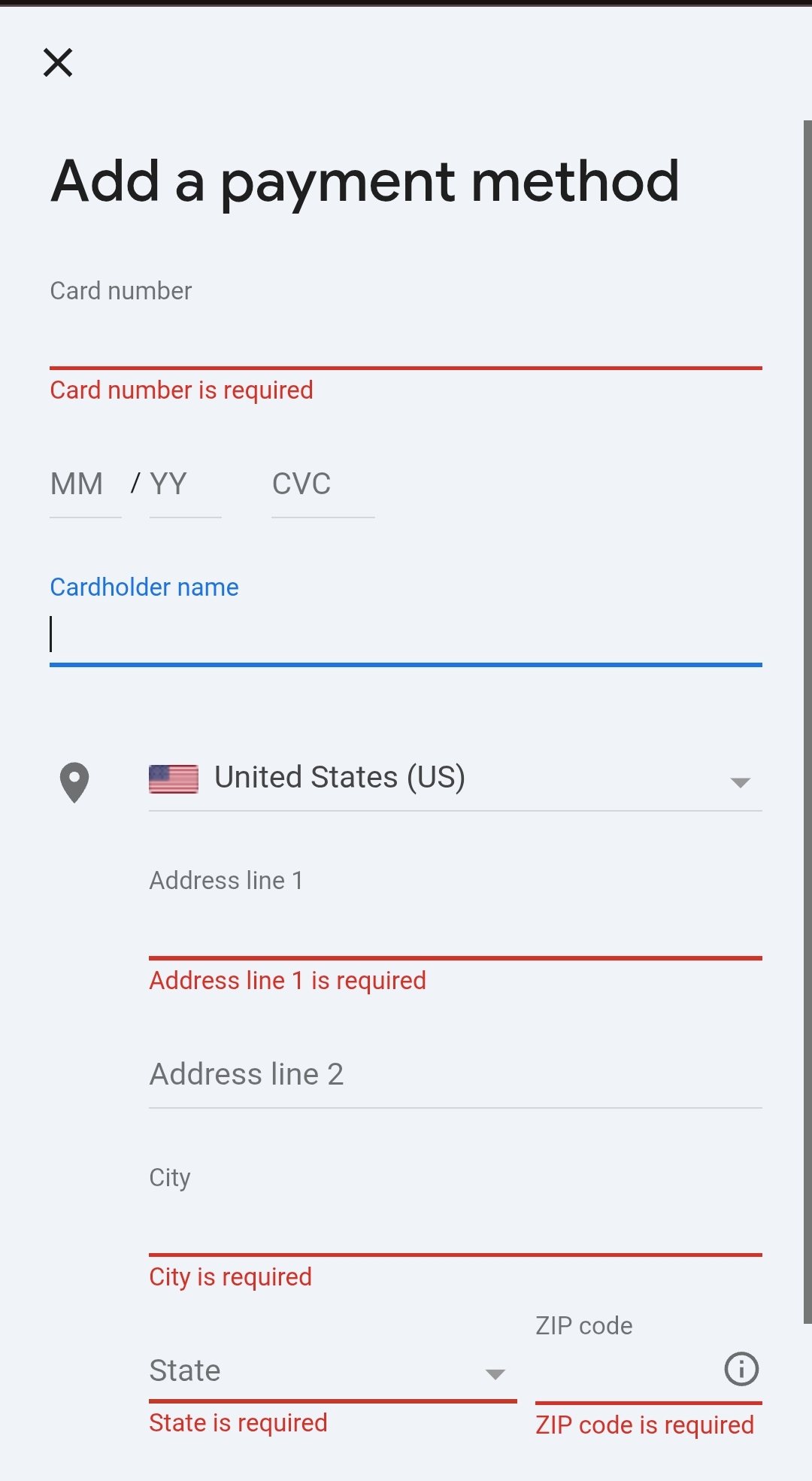
Review the information and follow the on-screen prompts to add it to Google Wallet.
You're Ready to Tap and Pay
Your Accrue Contactless Virtual Card is now available in Google Wallet.
The next time you're at a checkout that accepts contactless payments, simply unlock your Android phone, hold it near the payment terminal, and your payment will be completed in seconds.
Paying is now as easy as a tap.
Frequently Asked Questions
Do I need a physical card?
No. Your Accrue Contactless Virtual Card works directly from your phone through Google Wallet.
Where can I use my card?
You can use your card anywhere Google Pay or contactless card payments are accepted.
Can I still use my card online?
Yes. Your Accrue Contactless Virtual Card continues to work for online purchases while also supporting in-store contactless payments through Google Wallet.
What if my card won't add?
Double-check that you've entered your card details correctly and that you're using the billing address associated with your Accrue Virtual Card. If you still experience issues, contact Accrue Support through the app for assistance.
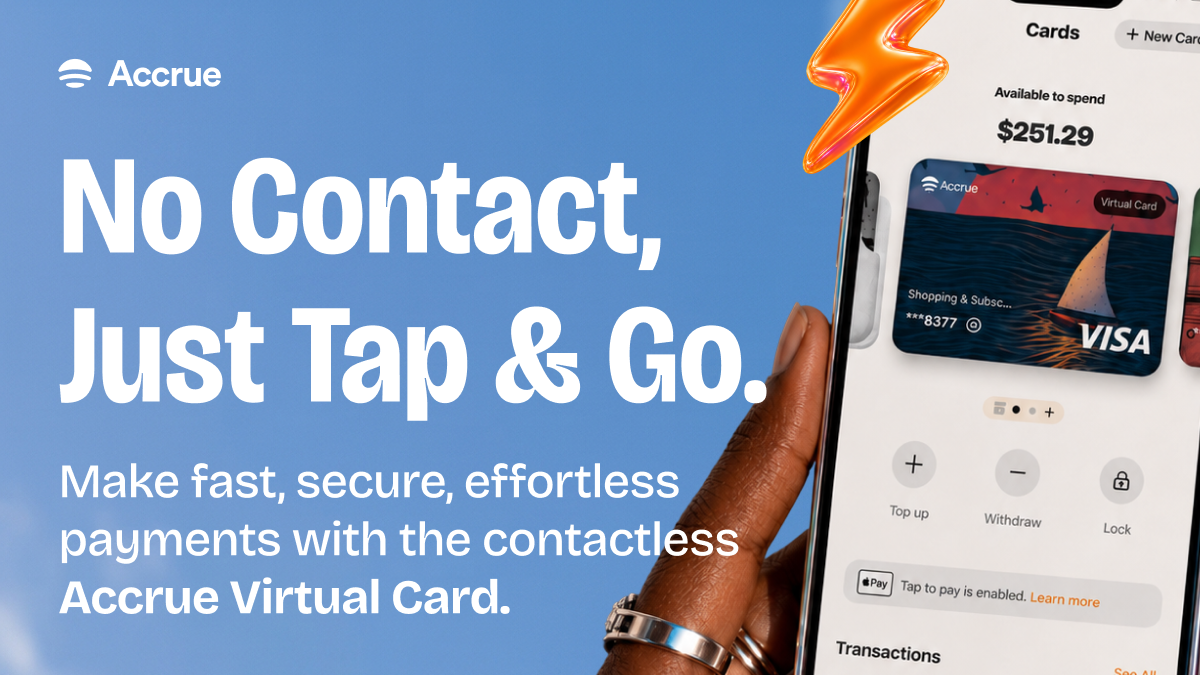
Keep reading
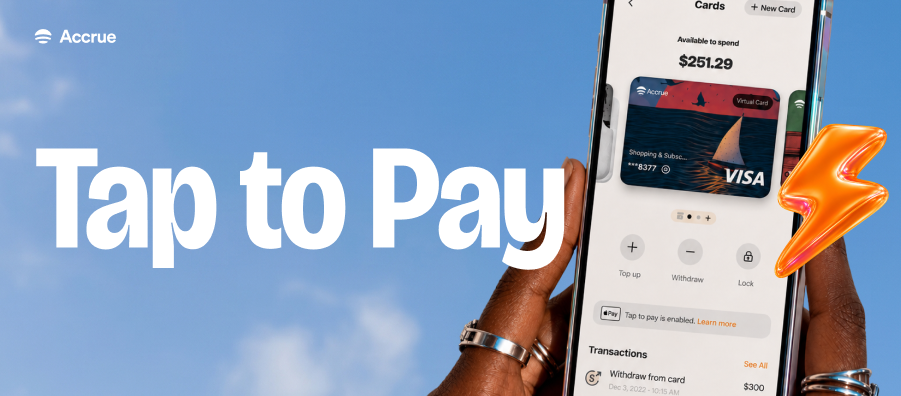
How to Enable Tap to Pay With Accrue Virtual Card on Apple Wallet
Apple Wallet will securely process the payment using your Accrue Contactless Virtual Card, making checkout quick, easy, and secure.
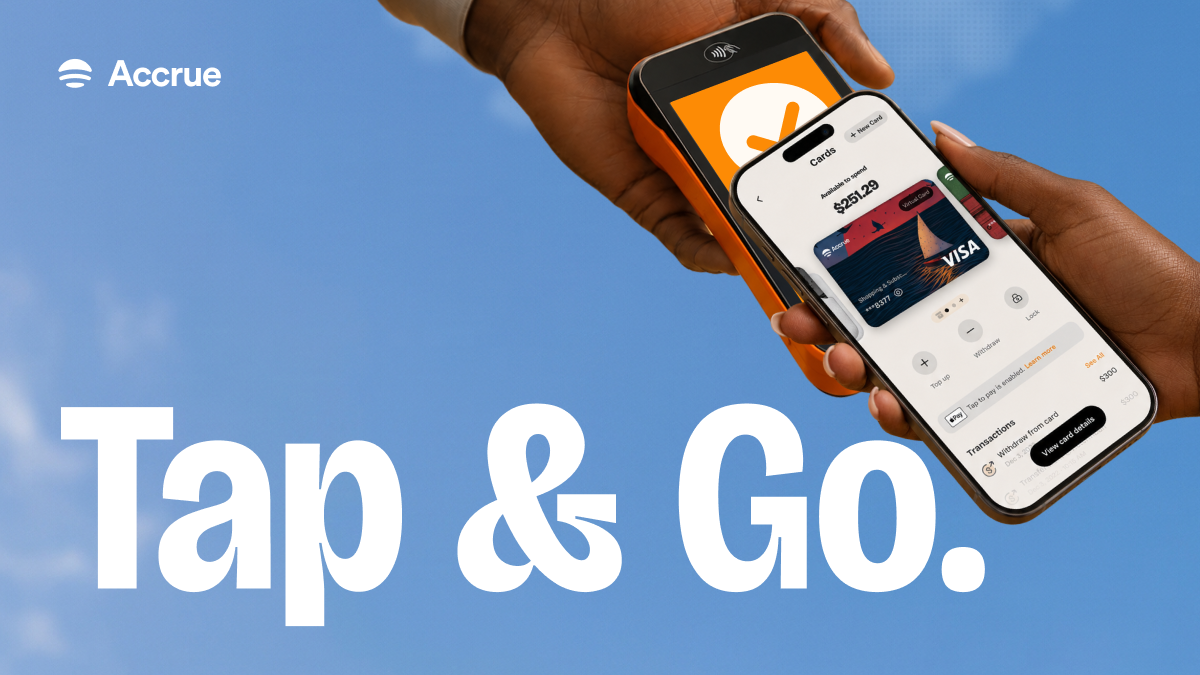
Spending Just Got Better With Accrue Contactless Virtual Dollar Card
With the contactless Accrue Virtual Dollar Card, your card becomes an everyday payment companion for wherever life takes you.
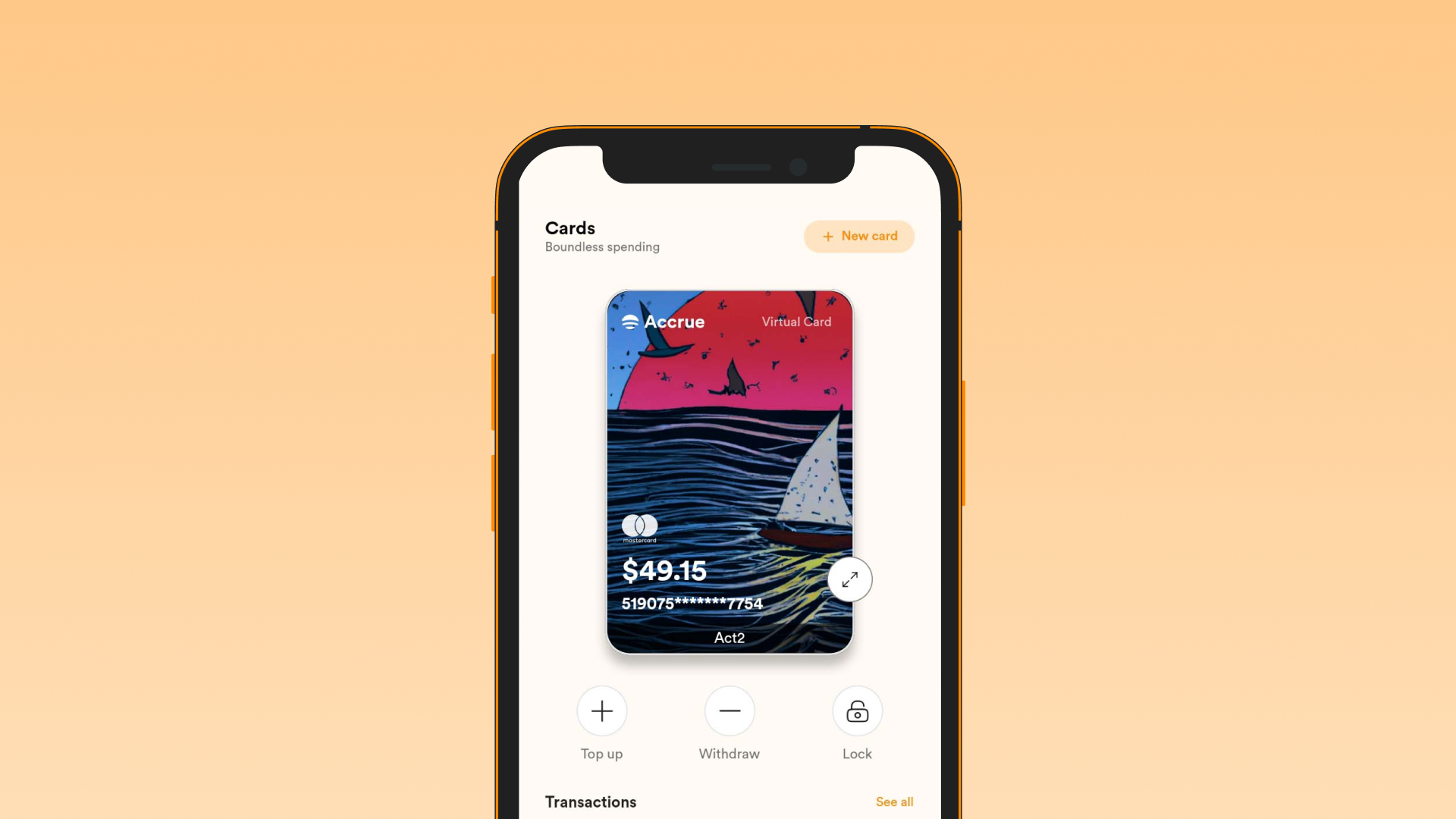
Accrue Virtual Card Supported Sites
List of sites where you can use the Accrue Virtual Dollar Card. 1. Apple 2. Google 3. TikTok 4. Telegram Premium 5. AliExpress 6. Temu 7. Amazon 8. Airbnb 9. Duolingo 10. Grammarly